
Creating a New Agent

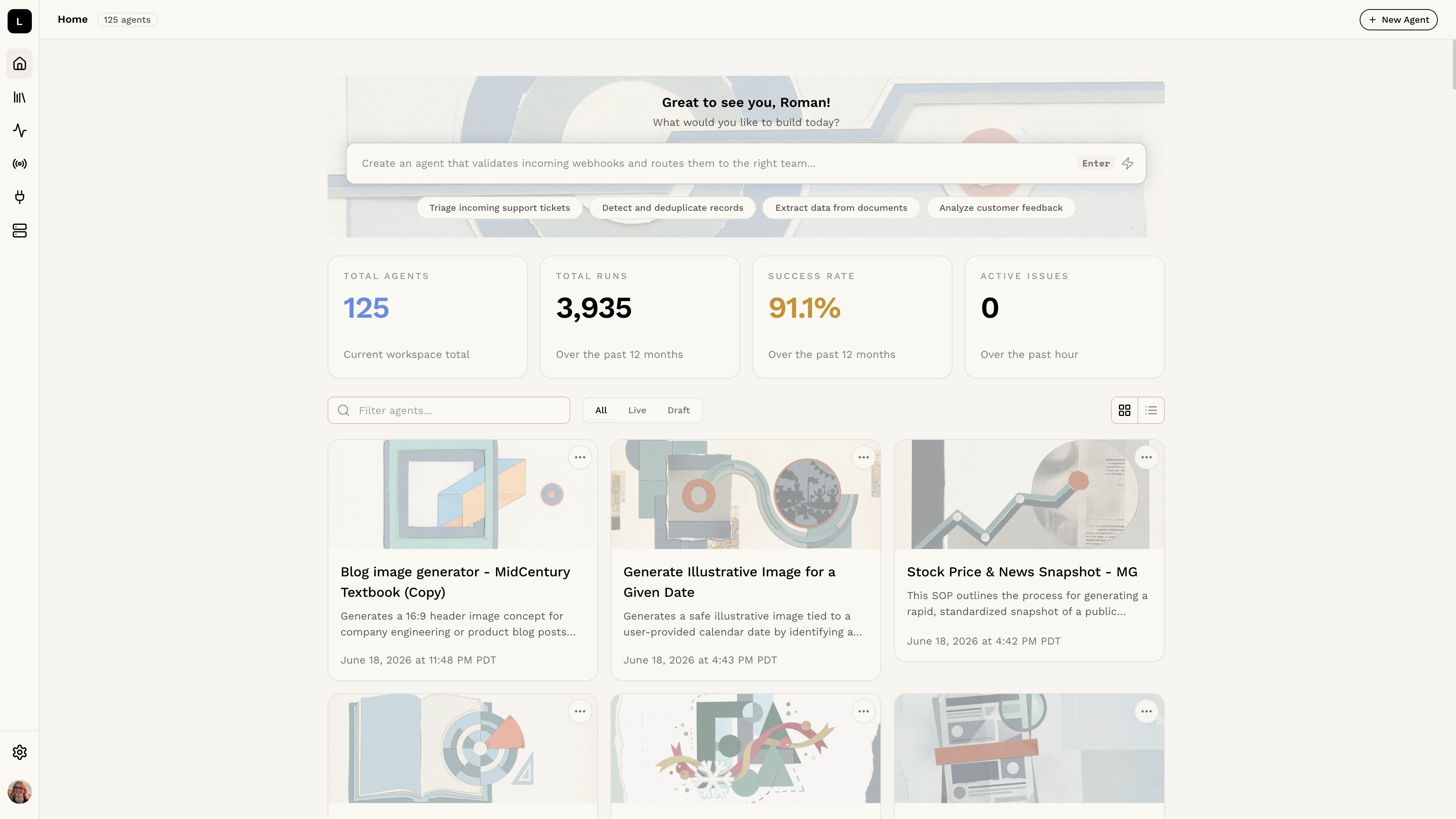
Once you have access to the Logic dashboard, you can create a new agent by describing what you need or by creating it manually. Choose the method that best fits your needs.
Want to learn more about how agents work in Logic? Check out the Understanding Agents section.

Step 1: Access the Logic Dashboard

Open the Logic dashboard and log in to your account.

Step 2: Choose Your Creation Method

Logic dashboard Option 1: Generate from Description (Recommended) Type a description of what you need into the text box at the top of the dashboard. Logic will automatically generate an agent for you. This is the fastest way to get started. Generate an agent from description Option 2: Create Manually Click the + New Agent button to open a blank agent editor. This gives you full control over the structure and content, and is useful if you have specific requirements or want a custom agent. Create and edit an agent manually
You can edit either agent type after creation to better fit your needs.