

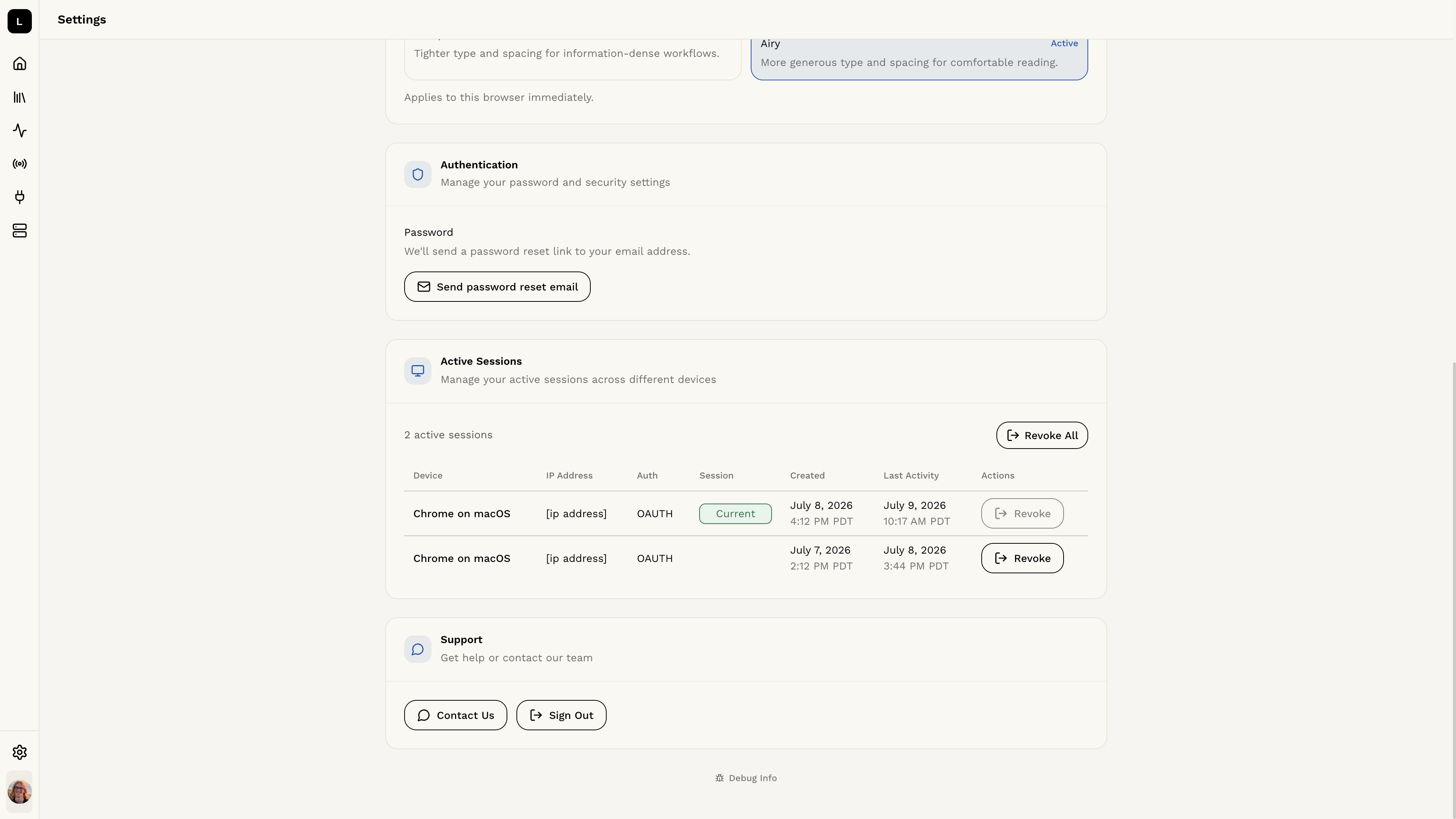
Authentication Settings
The Authentication Settings page allows you to manage your authentication settings for your Logic account. On this page, you can view information about your account and manage your password.Account Information
You can view your account details, including your email address and account status.Changing Your Password
To change your password, click the Send password reset email button. When you reset your password:- A password reset email will be sent to your registered email address
- All other active sessions will be automatically revoked
- Other devices will be signed out and will need to sign in again
- Your current session will remain active