Logic Documentation home page
Search...
⌘K
Support
Dashboard
Dashboard
Search...
Navigation
Agent Editing
Deleting an Agent
Guides
API Reference
MCP
Logic Dashboard
Get Started
Introduction to Logic
Quick Start
Pricing Tiers
Agent Editing
Using the Logic Dashboard
Making a New Agent
Generating Agents from Description
Creating and Editing Agents
Deleting an Agent
Integration and Testing
Testing Your Agent
Integrating Your Agent
Agent Schemas
Using the API
Using Logic as an MCP Server
Email Execution
Sending Emails
Tools
HTTP Tools
MCP Client Integrations
Versions and History
Observability
Spec History
Organization Settings
Organization
Accounts
API Keys
Billing
Knowledge Library
Account Settings
Account Settings
Authentication Settings
Manage Sessions
Other
Server Status
Understanding Agents
What Makes a Good Agent?
The Logic Bits Publication
Example Agents
Importing a Document (PDF, Word, Excel)
Generating 3D Objects
Song Recommender
On this page
Deleting an Agent
Step 1: Access the Logic dashboard
Step 2: Find the agent
Agent Editing
Deleting an Agent
Copy page
How to delete an agent in Logic
Copy page
Deleting an Agent
Step 1: Access the Logic dashboard
Open the
Logic dashboard
and log in to your account.
Step 2: Find the agent
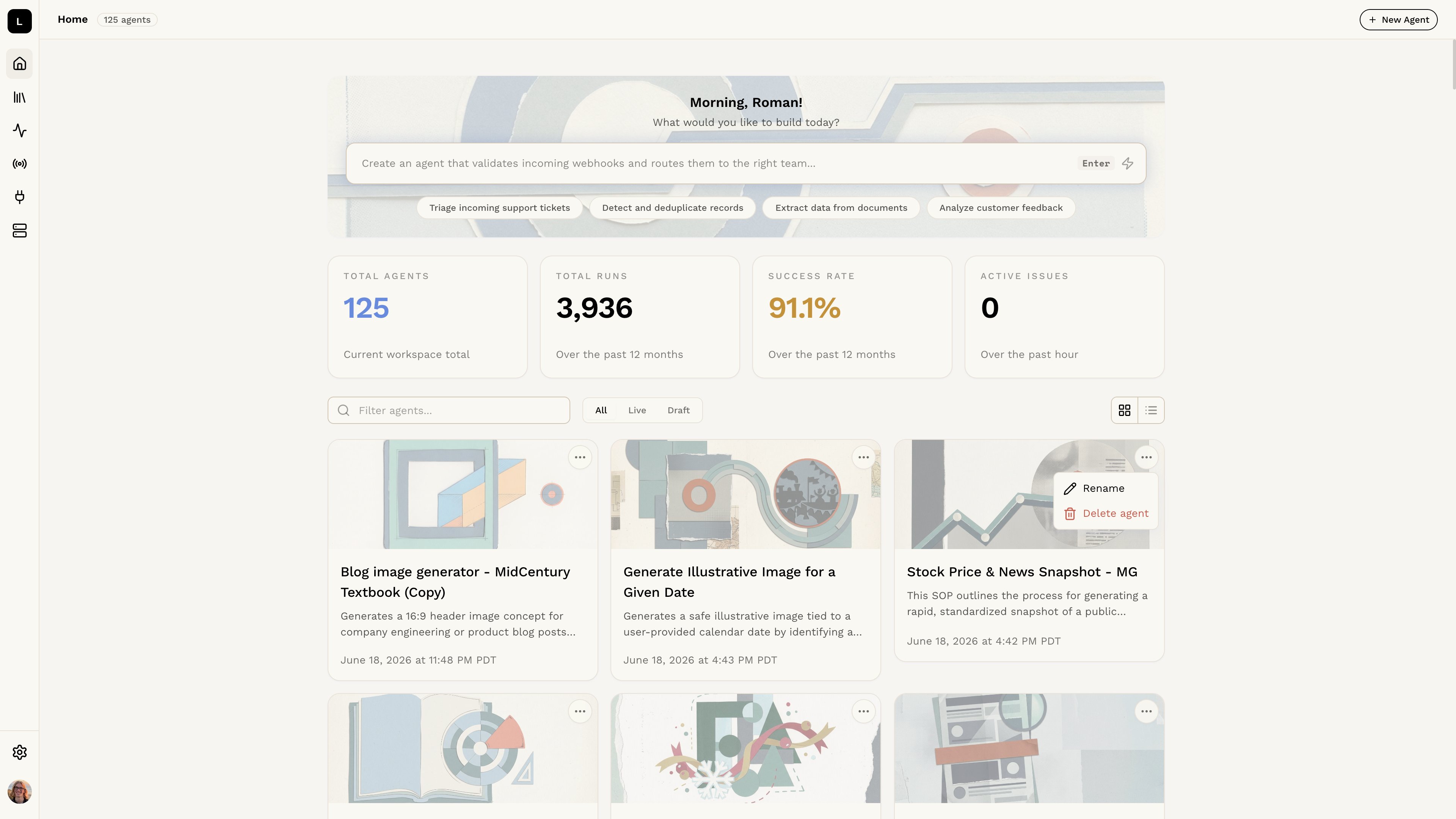
Locate the agent you want to delete in the list of agents on the dashboard. Click the
…
button on the agent card and select
Delete
from the menu.
Creating and Editing Agents
Testing Your Agent
⌘I