> ## Documentation Index
> Fetch the complete documentation index at: https://docs.logic.inc/llms.txt
> Use this file to discover all available pages before exploring further.
# Using the API
> Using the API for your agent
## Using the API
 ### How to Use the API
When you publish an agent, Logic automatically generates an API for your agent. This API allows you to interact with your agent programmatically, making it easy to integrate it into your applications or workflows.
To learn more about the available API endpoints, check the [API Documentation](/api-reference). This documentation provides detailed information on how to use the API, including examples of requests and responses.
The **Entrypoints** section also provides the endpoint and a link to the REST API docs, with example calls in several different languages.
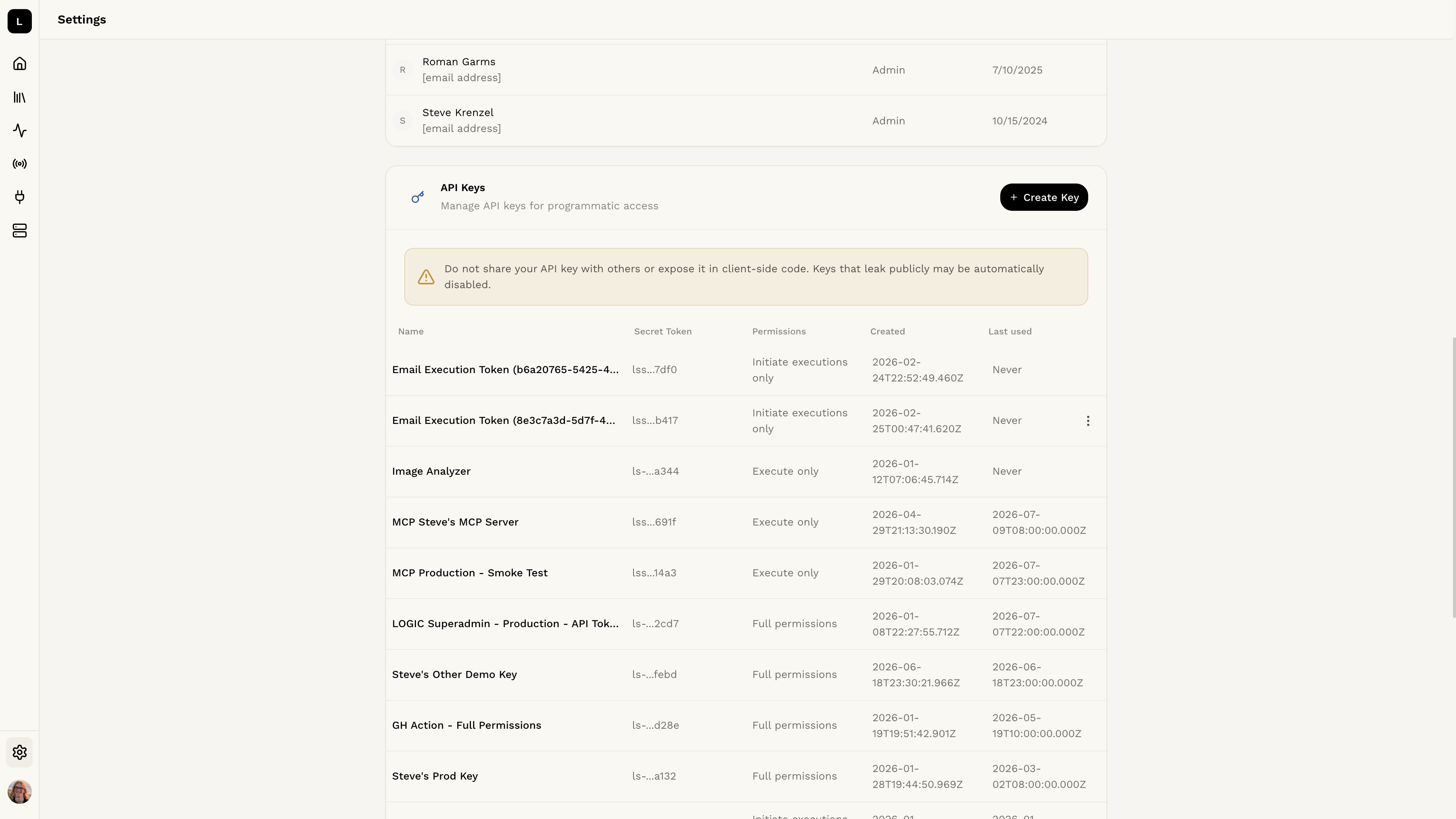
To get started immediately, set up your API key and try executing your agent.
Learn how to get started with the API in the [API
Reference](/api-reference/quick-start) section.
### How to Use the API
When you publish an agent, Logic automatically generates an API for your agent. This API allows you to interact with your agent programmatically, making it easy to integrate it into your applications or workflows.
To learn more about the available API endpoints, check the [API Documentation](/api-reference). This documentation provides detailed information on how to use the API, including examples of requests and responses.
The **Entrypoints** section also provides the endpoint and a link to the REST API docs, with example calls in several different languages.
To get started immediately, set up your API key and try executing your agent.
Learn how to get started with the API in the [API
Reference](/api-reference/quick-start) section.