> ## Documentation Index
> Fetch the complete documentation index at: https://docs.logic.inc/llms.txt
> Use this file to discover all available pages before exploring further.
# Healthcheck
> How to check your connection to the Logic server
## Logic Server Status
Logic provides multiple ways to check the status of its servers. You can check the status of the Logic API server via the API healthcheck endpoint, or you can check the status of the Logic platform via the [Logic Status Page](https://status.logic.inc).
### Status Website
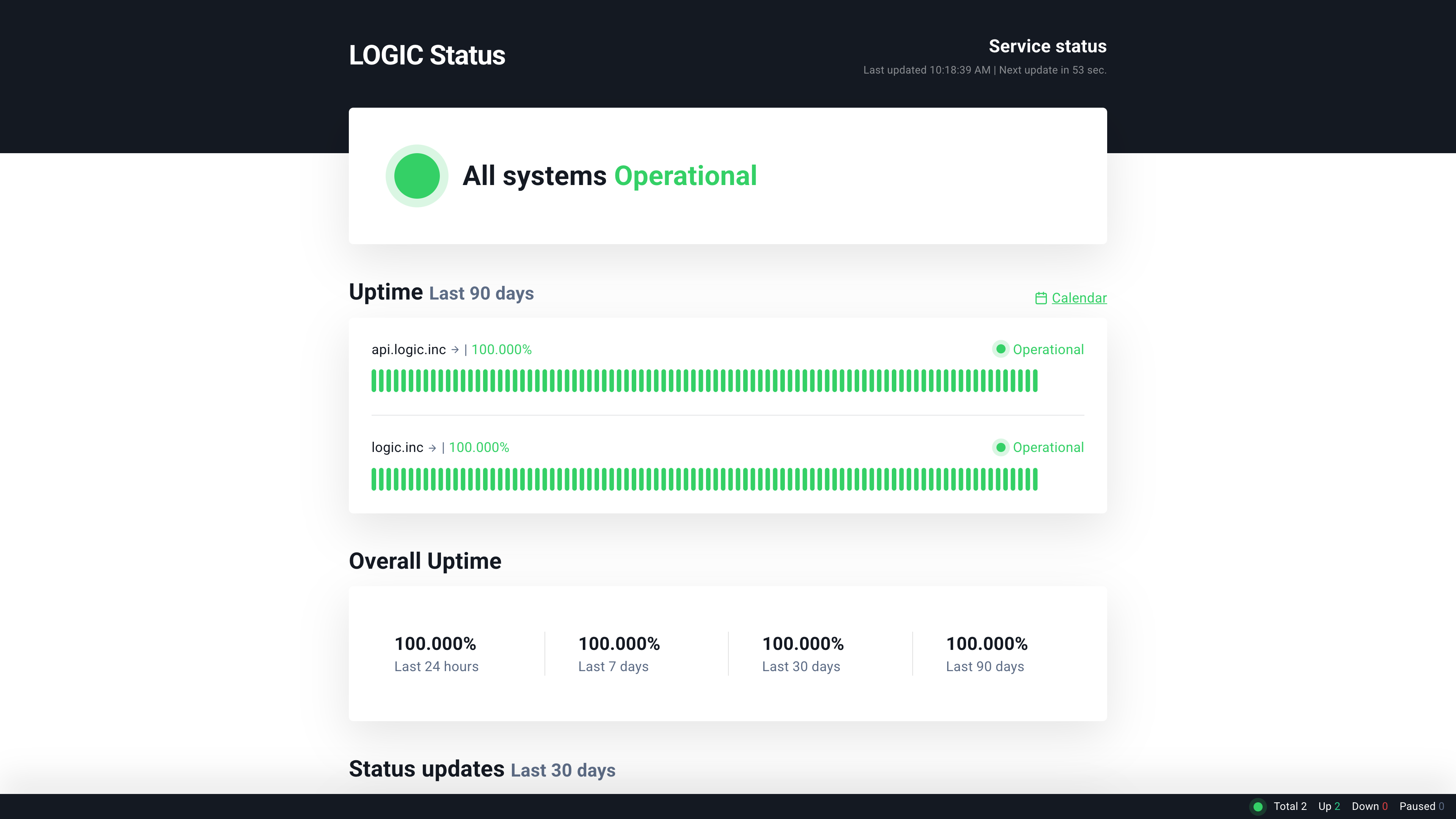 For more detailed information about the status of the server, you can check the [Logic Status Page](https://status.logic.inc). This page provides real-time information about the status of the Logic API and any ongoing incidents or maintenance.
The Logic Status Page will show you the current status of Logic's services, including the API and the dashboard. It will also provide information about any ongoing incidents or maintenance that may affect the performance of the Logic platform.
### Healthcheck
The healthcheck endpoint is used to check the connection to the Logic server. It returns a 200 OK response if the server is reachable and functioning properly.
It can be useful for troubleshooting API issues. If you get a `200 OK` response, it means that the server is up and running, and you are able to reach it. If you get a different response, it may indicate that there is a problem with the server or your connection to it.
You can run the healthcheck command by executing the following in your terminal:
```bash curl theme={null}
curl -X GET https://api.logic.inc/v1/healthcheck
```
```bash httpie theme={null}
http GET https://api.logic.inc/v1/healthcheck
```
```python python theme={null}
import requests
response = requests.get("https://api.logic.inc/v1/healthcheck")
print(response.status_code, response.text)
```
```ruby ruby theme={null}
require 'net/http'
require 'uri'
uri = URI('https://api.logic.inc/v1/healthcheck')
response = Net::HTTP.get_response(uri)
puts response.code
puts response.body
```
```javascript javascript theme={null}
fetch("https://api.logic.inc/v1/healthcheck")
.then((res) => res.text())
.then(console.log)
.catch(console.error);
```
```go go theme={null}
package main
import (
"fmt"
"io/ioutil"
"net/http"
)
func main() {
resp, err := http.Get("https://api.logic.inc/v1/healthcheck")
if err != nil {
panic(err)
}
defer resp.Body.Close()
body, err := ioutil.ReadAll(resp.Body)
if err != nil {
panic(err)
}
fmt.Println(string(body))
}
```
```java java theme={null}
// Java requires the OkHttp library. You can add it to your project using Maven or Gradle. Learn more in the Java Quick Start section of the API reference.
import okhttp3.*;
import java.io.IOException;
public class Main {
public static void main(String[] args) throws IOException {
OkHttpClient client = new OkHttpClient();
Request request = new Request.Builder()
.url("https://api.logic.inc/v1/healthcheck")
.build();
try (Response response = client.newCall(request).execute()) {
if (!response.isSuccessful()) {
System.err.println("Healthcheck failed: " + response.code());
return;
}
System.out.println(response.body().string());
}
}
}
```
#### Example Response
```json theme={null}
{
"success": true
}
```
This API call does not require any authorization or API key.
For more detailed information about the status of the server, you can check the [Logic Status Page](https://status.logic.inc). This page provides real-time information about the status of the Logic API and any ongoing incidents or maintenance.
The Logic Status Page will show you the current status of Logic's services, including the API and the dashboard. It will also provide information about any ongoing incidents or maintenance that may affect the performance of the Logic platform.
### Healthcheck
The healthcheck endpoint is used to check the connection to the Logic server. It returns a 200 OK response if the server is reachable and functioning properly.
It can be useful for troubleshooting API issues. If you get a `200 OK` response, it means that the server is up and running, and you are able to reach it. If you get a different response, it may indicate that there is a problem with the server or your connection to it.
You can run the healthcheck command by executing the following in your terminal:
```bash curl theme={null}
curl -X GET https://api.logic.inc/v1/healthcheck
```
```bash httpie theme={null}
http GET https://api.logic.inc/v1/healthcheck
```
```python python theme={null}
import requests
response = requests.get("https://api.logic.inc/v1/healthcheck")
print(response.status_code, response.text)
```
```ruby ruby theme={null}
require 'net/http'
require 'uri'
uri = URI('https://api.logic.inc/v1/healthcheck')
response = Net::HTTP.get_response(uri)
puts response.code
puts response.body
```
```javascript javascript theme={null}
fetch("https://api.logic.inc/v1/healthcheck")
.then((res) => res.text())
.then(console.log)
.catch(console.error);
```
```go go theme={null}
package main
import (
"fmt"
"io/ioutil"
"net/http"
)
func main() {
resp, err := http.Get("https://api.logic.inc/v1/healthcheck")
if err != nil {
panic(err)
}
defer resp.Body.Close()
body, err := ioutil.ReadAll(resp.Body)
if err != nil {
panic(err)
}
fmt.Println(string(body))
}
```
```java java theme={null}
// Java requires the OkHttp library. You can add it to your project using Maven or Gradle. Learn more in the Java Quick Start section of the API reference.
import okhttp3.*;
import java.io.IOException;
public class Main {
public static void main(String[] args) throws IOException {
OkHttpClient client = new OkHttpClient();
Request request = new Request.Builder()
.url("https://api.logic.inc/v1/healthcheck")
.build();
try (Response response = client.newCall(request).execute()) {
if (!response.isSuccessful()) {
System.err.println("Healthcheck failed: " + response.code());
return;
}
System.out.println(response.body().string());
}
}
}
```
#### Example Response
```json theme={null}
{
"success": true
}
```
This API call does not require any authorization or API key.